
Selling on uCoz with Ecwid
uCoz is a free web hosting service with their own built-in content management system that allows you to easily create fully functional websites. No technical skills are required.
If you plan to sell online, you can quickly and easily add your Ecwid store to your uCoz site. After 5-minute installation process your store will look and work as an integral part of your site.
How to add Ecwid to your uCoz site
- If you don't have an Ecwid account yet, register an account.
- Get the integration code for your Ecwid store and save it somewhere, you will need it later.
- Login to your uCoz control panel.
- Open Page Editor → Page Management.
- Click Add new page in the top right corner:

- Name this new page whatever you want (e.g. "Shop").
- Click on HTML Codes Panel.
- Paste your Ecwid store code in the Page content text area.
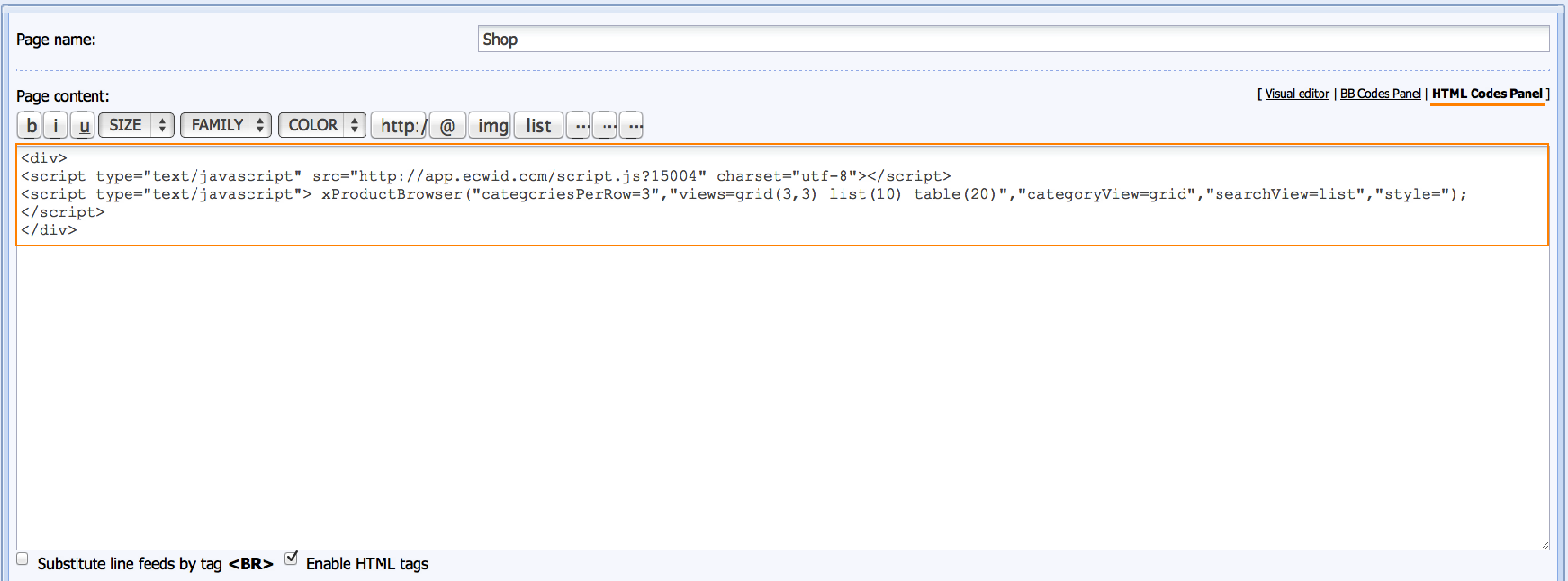
- Save the changes and check the result.
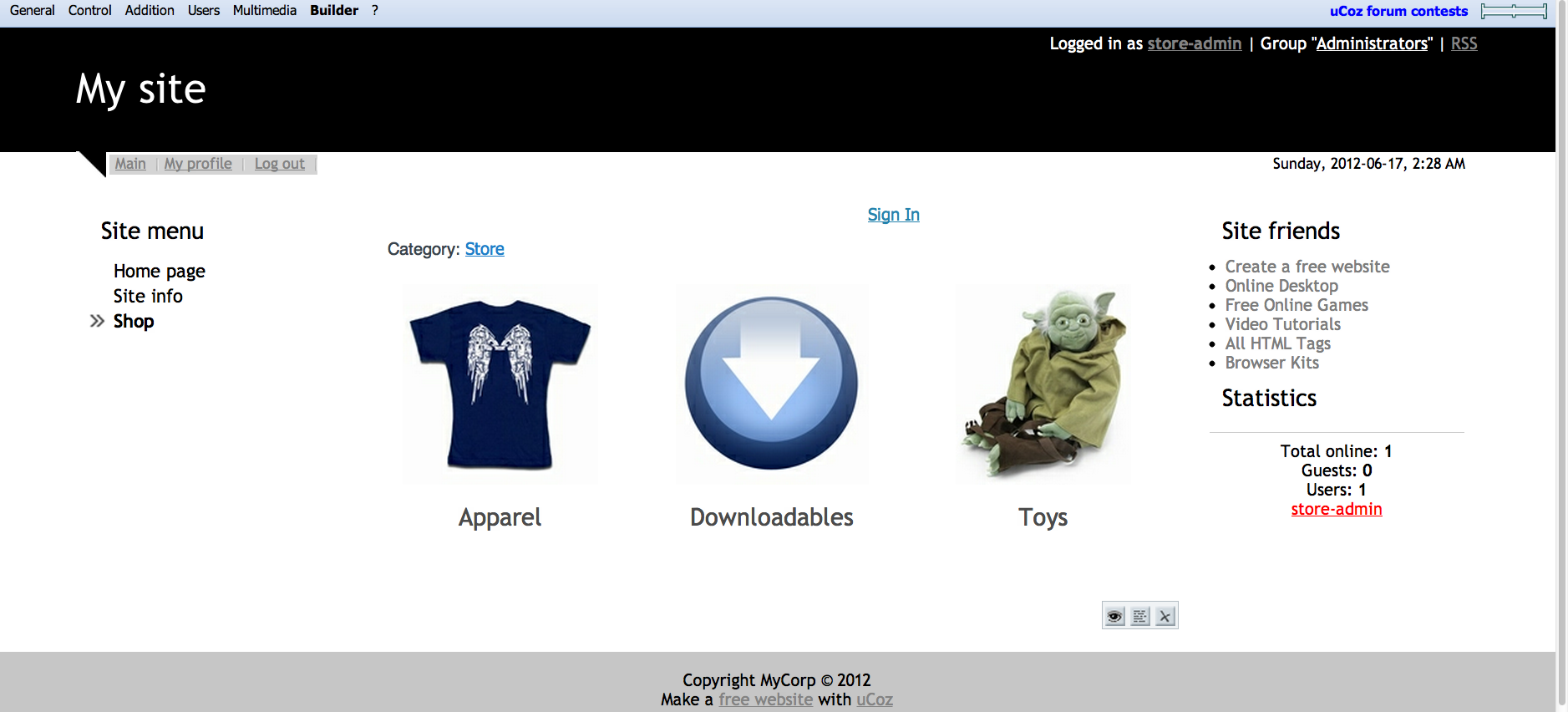
That's all, your store is ready!
You can manage its settings, add new products, set up payment methods, etc in your Ecwid control panel.