
Selling on Yola with Ecwid
Yola Online Website Builder allows to quickly and easily create almost any kind of website. You can add your Ecwid store on your site to start selling online.
With Ecwid, you can create an online store from scratch by adding new products, setting up payment methods, offering shipping and local delivery, and more.
Once you create your Ecwid store, you can add it not only to your website but to Facebook or Instagram to grow your audience.
To embed Ecwid to your Yola site:
- Log in to Yola back-end and pull the website for editing.
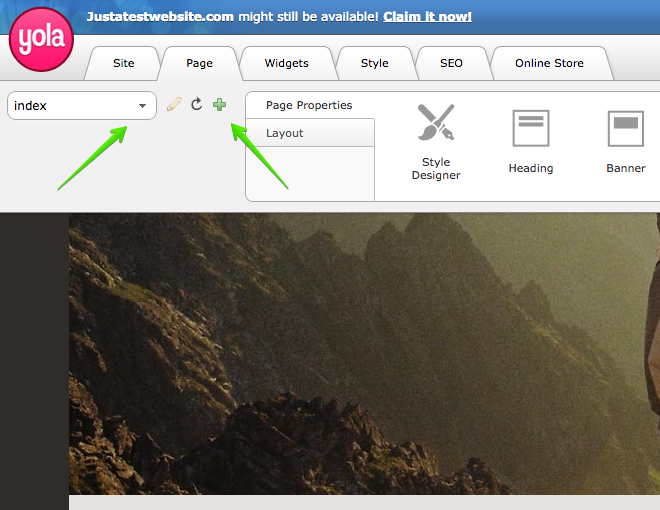
- Navigate to Page tab and select the page where you want your online store to appear. You can choose the page from the drop-down list or create a new page by clicking the Plus icon:
- In the Widgets tab, click the HTML code:
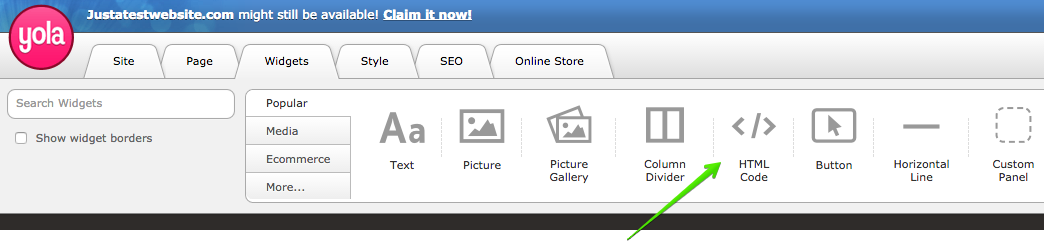
- Drag'n'drop the widget to any place on the store page. A blank pop-up will appear.
- Go to Ecwid admin → Website. Scroll down to the Add your store to one more website section and click Pick Platform → Other platforms and sitebuilders.
- Click Copy code to clipboard to copy your Ecwid integration code.
- Return to the Yola editor and paste the integration code to the HTML code field:

7. Save the edits in HTML code widget. You will see just the loading bar at that moment - that's alright.
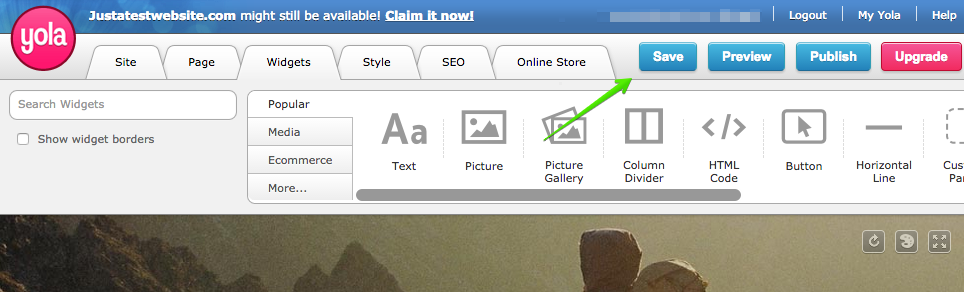
8. Click Save:
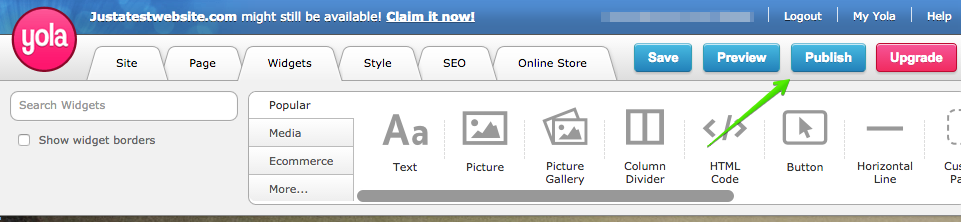
 9. Click Publish to publish the website:
That's it, your store is ready!
You can customize your online store after publishing it on your website: add new products, set up payment methods and shipping options, and more. All the changes will be applied to your storefront immediately.
To get a better idea on how to embed your Ecwid store to your website, watch the video: